

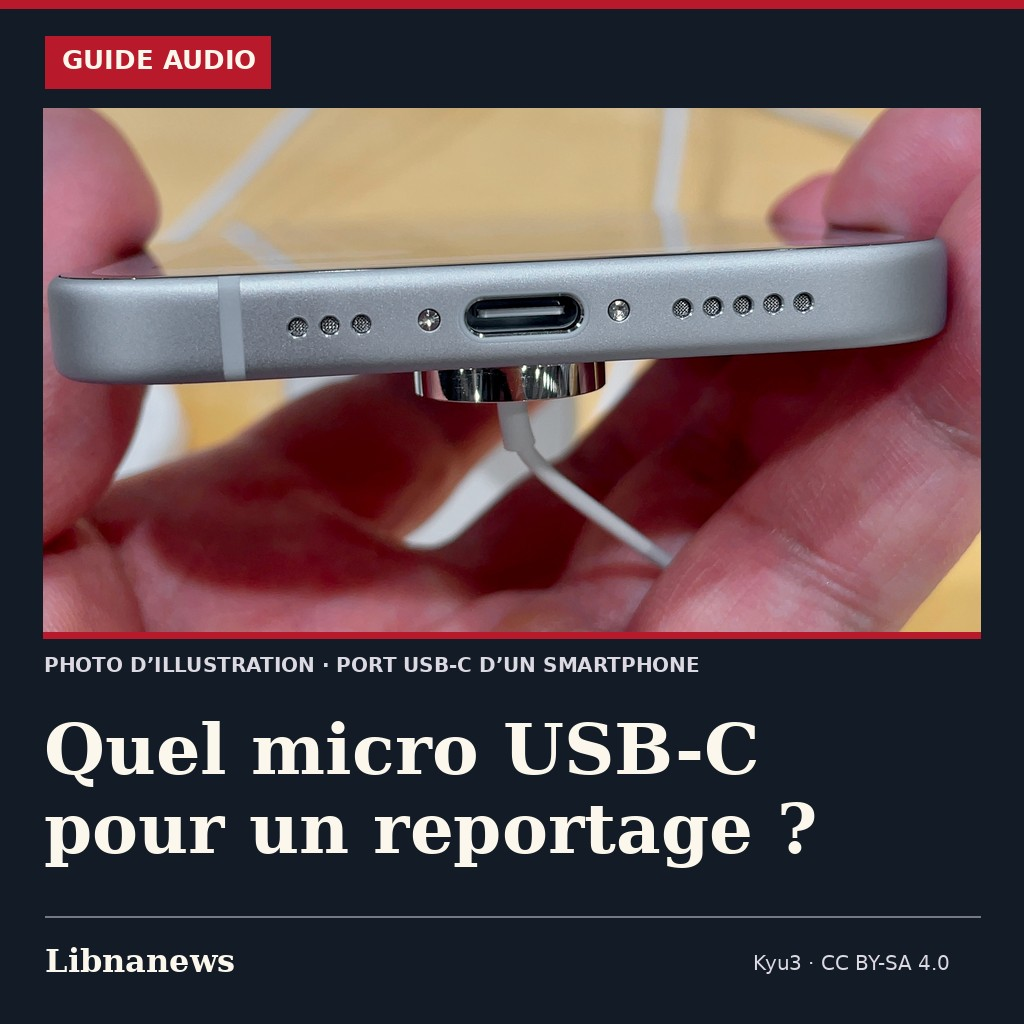
For a telephone interview, a simple directional microphone may be sufficient. To also capture the atmosphere of a place, it is better to be able to adjust the stereo width. The VideoMic Me-C+ RØDE and the MV88 USB-C Shure connect directly to the smartphone, but meet both needs in a different way.
As an Amazon partner, Libnanews makes a profit on qualifying purchases. This guide is based on manufacturer’s instructions, not a comparative essay in writing.
VideoMic Me-C+: a voice facing the camera
The VideoMic Me-C+ targets what is in front of it. It is suitable for speaking in camera or for an exchange where the phone can be brought closer to the person speaking. The microphone attenuates part of the side noise. It does not separate a voice from another noise source located on the same axis.
RØDE provides an outdoor hair cap and a clip to stabilize the microphone on the phone. The 3.5 mm jack socket connects a headphone to control the sound. It is useful for detecting wind or friction before continuing maintenance. The manufacturer plans a direct USB-C connection to iOS or Android compatible smartphones and excludes iOS devices with Lightning port. Choose the modelMe-C+, without confusing it with Me-C or Me-L.
See RØDE VideoMic Me-C+ on Amazon.fr (Amazon paid link)
Shure MV88 USB-C: moving from voice to atmosphere
The MV88 USB-C offers four modes: stereo with adjustable width, mono-cardioid, mono-bidirectional and raw Mid-Side. The monocardioid favors the front. In stereo, you can choose a narrower or wider image depending on the scene. The two-way mode captures both sides of the microphone, provided that the contacts are placed accordingly. The raw Mid-Side is intended primarily for those who want to adjust the width to the mounting.
Shure MOTIV applications allow you to adjust the gain and stereo width. The microphone keeps its settings, but it must be checked that the application actually used takes the external input well. The Shure guide quotes iPhone 15 and the following models, including Android 12 or later as well as support for USB Audio Class 2.0 on Android. The reference isMV88-USBC, not the MV88+ Video Kit.
See the Shure MV88 USB-C on Amazon.fr (Amazon paid link)
Before leaving: check the hull, port and application
The connector must sink completely without forcing. A thick shell or tripod clamp may interfere with mounting. Also check that the microphone does not interfere with vertical framing and does not hit the handle when you turn the phone. With the busy USB-C port, do not rely on simultaneous wired charging without testing a compatible configuration.
In the application that will be used for reporting, record a few seconds at the actual distance of the interviewee. Listen to the file, preferably the helmet, to confirm that the sound is captured by the external microphone. If you have to film from a distance, bring the microphone closer to the subject, with a cable or other suitable device, counts more than the choice between these two models.





Comments