

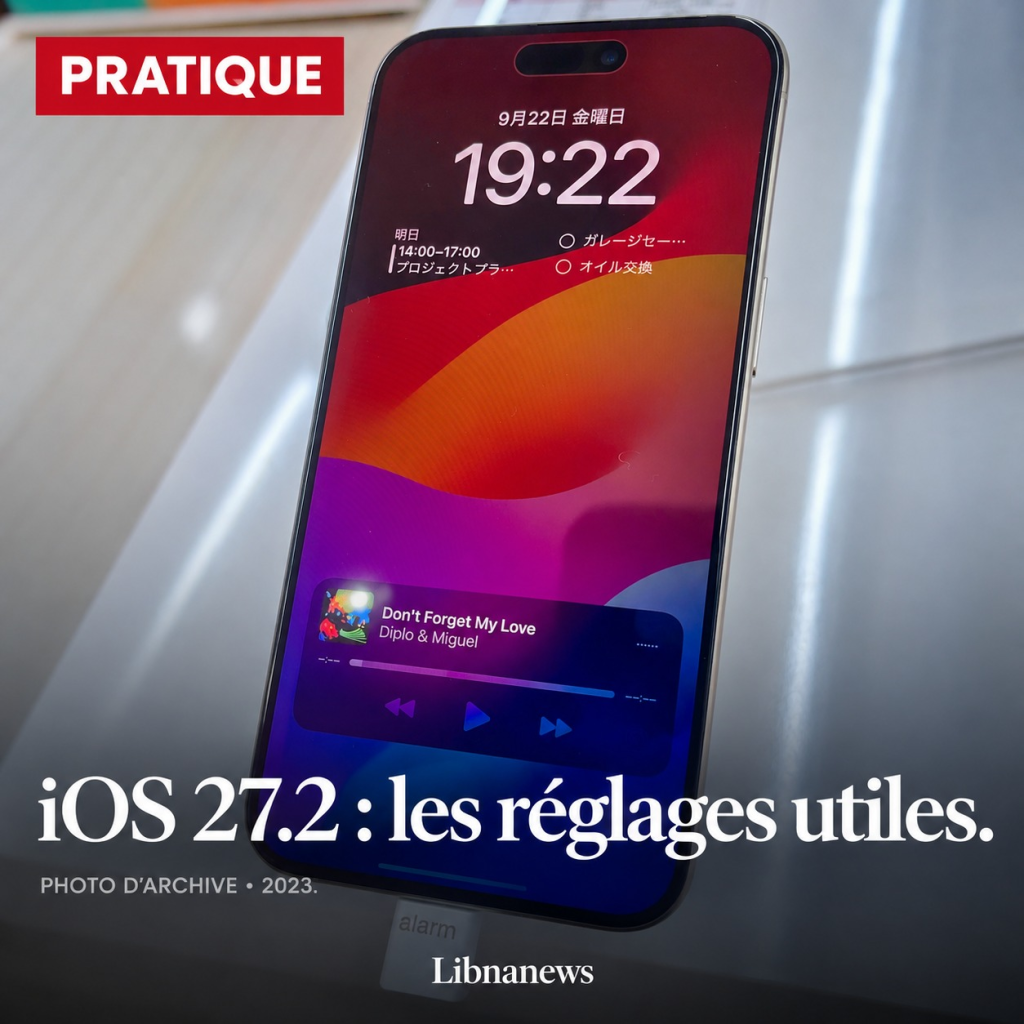
iOS 27.2, available since October 26, 2026, extends Siri AI to French and enriches the uses of the iPhone. But not all new features work on all devices, or in all countries. Here are the settings to know, the gestures to find them and some older tips that remain particularly useful.
An up-to-date iPhone does not automatically give access to all the features presented by Apple. On November 9, iOS 27.2 is the most recent stable version indicated by the manufacturer. The iOS 27 family supports iPhone 11 et seq., as well as second generation and subsequent iPhone SE. However, artificial intelligence requires more recent material.
This difference includes iPhone 15 and 15 Plus: they can receive iOS 27, but are not among the Apple Intelligence compatible models. The iPhone 15 Pro and 15 Pro Max are supported, as are the compatible models of subsequent generations. Before looking for an absent command, check the model, installed version and function availability in your area.
iOS 27.2: Check version before starting
The first control takes a few seconds. OpenSettings, then General and Software Update. The screen indicates the installed version and offers an update when it is available for your device.
Before installation, perform a backup with iCloud or a computer. Then plug in the iPhone and connect it to Wi-Fi. Select « Download and install » if this option appears, then follow the indications. This precaution counts more than a precipitated installation between two movements.
In the same screen, « Automatic updates » allows you to manage the download and installation. The nocturnal installation requires a connected device and Wi-Fi. An update to the app does not replace updates to applications, which remain managed separately.
Make Liquid Glass more readable
The transparency of the interface is not suitable for all eyes. iOS 27 adds a cursor to adjust the appearance of Liquid Glass. It makes it possible to favour a more marked shade, rather than to retain the most transparent effect.
- OpenSettingsthenAppearance.
- ChooseLiquid Glass.
- Move the cursor to the right to strengthen the shade, or to the left to increase transparency.
Attention: Accessibility options « Reduce Transparency » and « Increase Contrast » may prevent changes to this setting. If you use them to read better, keep what suits you first. Their deactivation is used to access the cursor, not to necessarily improve comfort.
In Appearance, « text size » and « text in bold » offer two additional adjustments. To limit the effects of movement, go instead throughSettings, Accessibility, Movements, then « Reduce animations ». This last setting meets another need: calm the transitions, without expanding the characters.
Siri in French: check the country
The linguistic novelty of iOS 27.2 is the arrival of Siri AI in French, as well as in Korean, Spanish, Japanese and Portuguese. Apple distinguishes this new Siri assistant from other Apple Intelligence features. Siri AI uses personal context, displayed content and actions in applications.
The geographical restriction is important: Apple states that Siri AI is not available in the European Union or mainland China. A player located in France should not therefore expect to get this function simply by installing iOS 27.2. This limitation does not mean that all other Apple Intelligence functions are unavailable.
To control the configuration, openSettings, then Siri. If the wizard is disabled, choose « Activate Siri » and follow the displayed options. On some versions, the menu still bears the name « Apple Intelligence and Siri ». Siri activation alone does not guarantee access to Siri AI.
For French-speaking use in Lebanon, check the language parameters of the device and Siri, as well as the options actually proposed. Arabic is not included in the list of languages announced for Siri AI with this version. Apple also provides daily limits for certain functions using its server models.
Safari: Set tabs instead of accumulating them
A search for travel or accommodation easily leaves dozens of pages open. On an Apple Intelligence compatible iPhone, Safari can organize tabs by subject. This function belongs to the new features of the 27; it does not require to place each page by hand.
- OpenSafariand display theTabs.
- Touch the buttonOrganize, or buttonMoredepending on the presentation.
- SelectOrganize tabs.
The interest is concrete: find together the pages related to the same search. However, check the proposed ranking. Pages close by their vocabulary may concern different projects. If the command does not appear, start by checking Apple Intelligence compatibility and language availability, rather than reset Safari.
Have Safari monitor a web page
Other function of the server 27: Safari can check changes in a page, such as a price or the return of a product. Apple presents it under the heading « Alert me »; his French guide also describes an « M.
- Open the relevant page inSafari.
- Touch itpage menu, then the alert command.
- Describe precisely the change to be sought.
- UseModifyto adjust the check frequency, then validate with the checkmark.
This function requires Apple Intelligence. It periodically checks the page: it does not constitute an instant alert guarantee. For a highly requested ticket or product, check the availability and final price on the site again before any reservation or purchase.
Messages: Don’t confuse suggestions with availability in French
With iOS 27.2, Messages can offer conversation-related actions, notably in Notes and Reminders. The idea is to avoid copying information into another application. However, Apple presents Suggestions as available in English. The presence of Siri AI in French therefore does not automatically render this other Francophone novelty.
If an action appears under a message, examine its content before accepting it. An appointment always requires a correct date and time. The absence of a button in a French conversation does not prove a problem of your iPhone.
Two little tricks that do not date from iOS 27
Schedule a message.The function exists since iOS 18 and requires iMessage. In a conversation, tap the add button, then « Send Later ». Tap the hour to choose when to send, write the text and confirm. Programming can be up to 14 days.
The message remains in a dotted bubble until it leaves. It can be distributed even if your devices are then offline. On the other hand, an Internet connection is required to modify, reprogram or delete a scheduled message. It is useful to write in the evening without immediately soliciting his correspondent.
Replace an abbreviation with a sentence.To avoid retrieving a common formula, hold your finger on the Emoji key or change your keyboard. Choose « Clear Settings », then « Text Replacement » and the add button. Inscribe the sentence in « Expression » and a separate abbreviation in » Shortcut ».
A politeness formula or appointment indication is suitable for this purpose. Choose an abbreviation that you do not type in an ordinary text, then try it in an unsend message. This small setting remains usable without depending on the new features of Siri AI.





Comments